What has changed
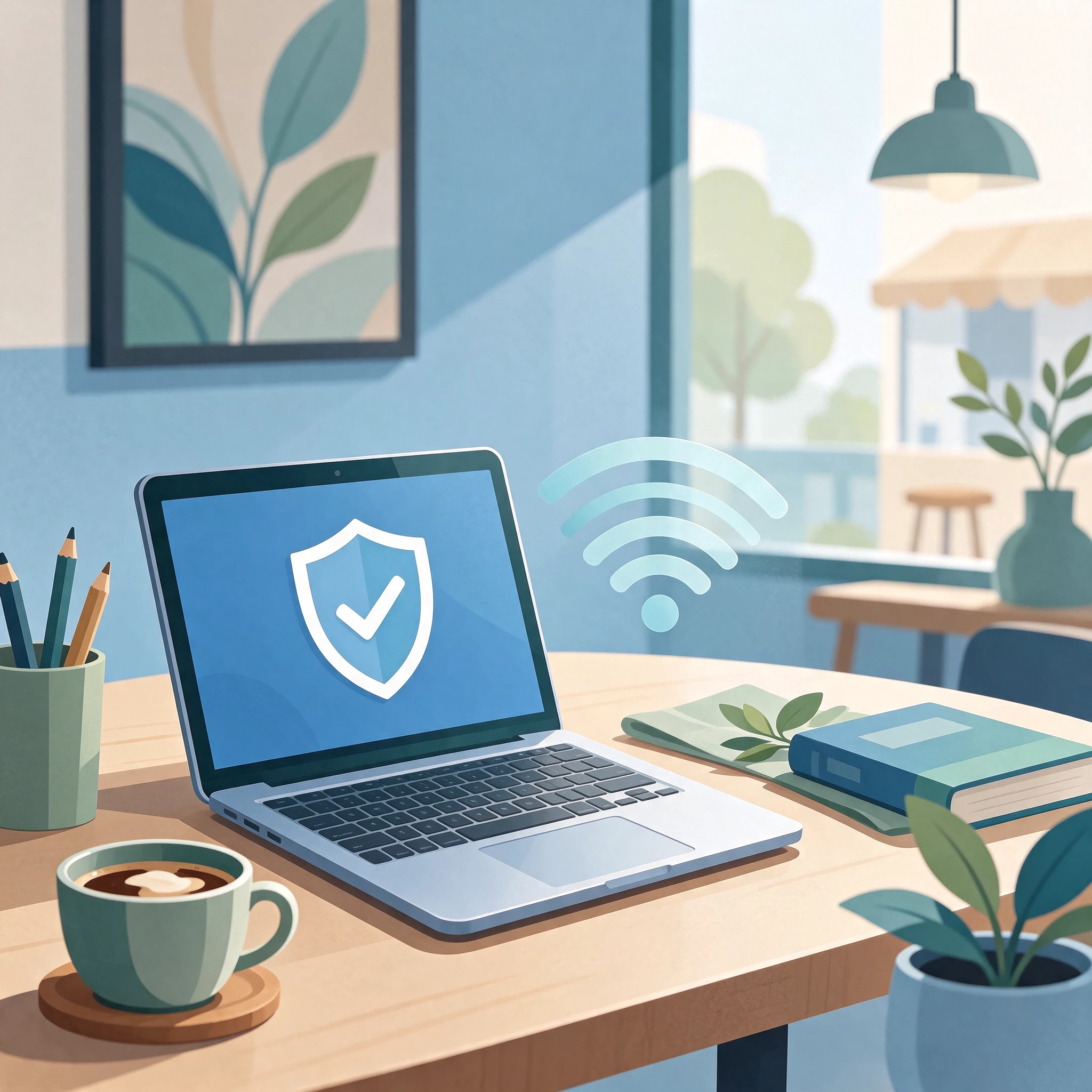
In the early days of the web, many sites sent data without encryption, and anyone on the same network could read it. Today most sites use HTTPS, which encrypts the connection between you and the site. The US consumer protection agency says that connecting through public Wi-Fi is usually safe because of this, in its guide Are Public Wi-Fi Networks Safe. The same guide warns that encryption does not protect you from a fake site or a scam message.
The risks that remain
- Fake hotspots. A network named like the cafe or the airport that is run by someone else.
- Login pages on the network. A sign-in page that asks for an email, a password or more than it needs.
- Phishing. Lookalike exchange and wallet sites, which work the same on any network (see How to Verify an Exchange Email or Link Before You Click).
- Your own device. Outdated software, malicious extensions or a shared computer.
- People nearby. Shoulder surfing and unattended phones or laptops.
What to avoid on a public network
- Signing in to your exchange on a shared or borrowed computer.
- Connecting a wallet to a site you reached from a message or an ad, and approving a transaction you do not fully understand.
- Entering your seed phrase anywhere, ever.
- Accepting certificate warnings or installing anything the network asks you to install.
Safer habits
- Use your phone's mobile data or a personal hotspot for exchange and wallet sessions. It removes the unknown network from the picture.
- Open the site from a bookmark and check the exact domain in the address bar.
- Turn off automatic joining of open Wi-Fi networks.
- Keep the operating system, browser and apps updated.
- Use two-factor authentication with an authenticator app or a security key (see Two-Factor Authentication for Crypto Accounts and Which Type to Choose).
- Log out when you are done and lock your screen.
A VPN encrypts traffic between your device and the VPN provider, which helps on a hostile network and hides your activity from the Wi-Fi owner. It does not protect you from phishing or from malware on your device, and it moves your trust to the VPN provider.
If you already signed in on a public network or computer
- Log out of the session and close the browser.
- Change your password from a trusted device.
- Review active sessions, devices and API keys in the account settings and remove anything you do not recognize.
- Check your recent withdrawals and logins.
- If something looks wrong, follow What to Do in the First Hour After a Crypto Account Is Compromised.
If you are opening a new exchange account, register through our referral link from a trusted network and turn on two-factor authentication right away. A monthly review also catches problems early (see How to Run a Monthly Security Checkup on Your Crypto Accounts).
This article is educational and is not investment advice. Crypto assets carry a high risk of loss.
Get part of your trading fees back
Open the Telegram bot, link your exchange account and follow your cashback balance.