Why alerts help
Watching a chart all day does not improve decisions. It increases the number of small reactions, each of which can cost fees and attention. An alert tells you when something you decided in advance has happened, and the rest of the time you can ignore the screen.
Decide what to watch
Alerts are only useful if each one has a reason. Four kinds cover most needs:
- Entry zone. A price at which you would start looking at a trade.
- Invalidation level. The price at which your idea is wrong, which is also where a stop would go (see Stop-Loss and Take-Profit Orders and How They Can Fail).
- Target area. Where you would consider taking profit.
- Something changed. A wide alert such as a move of 10% in a day, so you do not miss a sudden shift.
Choose the alert type
- Price crossing a level. The simplest and the most useful.
- Percentage change. Good for catching sudden moves.
- Indicator or chart-based conditions. Available in many charting platforms, and more complex to maintain.
Exchange apps usually offer price alerts, while dedicated charting platforms offer more conditions. Menu names differ between apps, so check the help section of the one you use. The Bybit Help Center is a starting point for exchange features.
Set it up step by step
- Open the page or chart of the asset in your app.
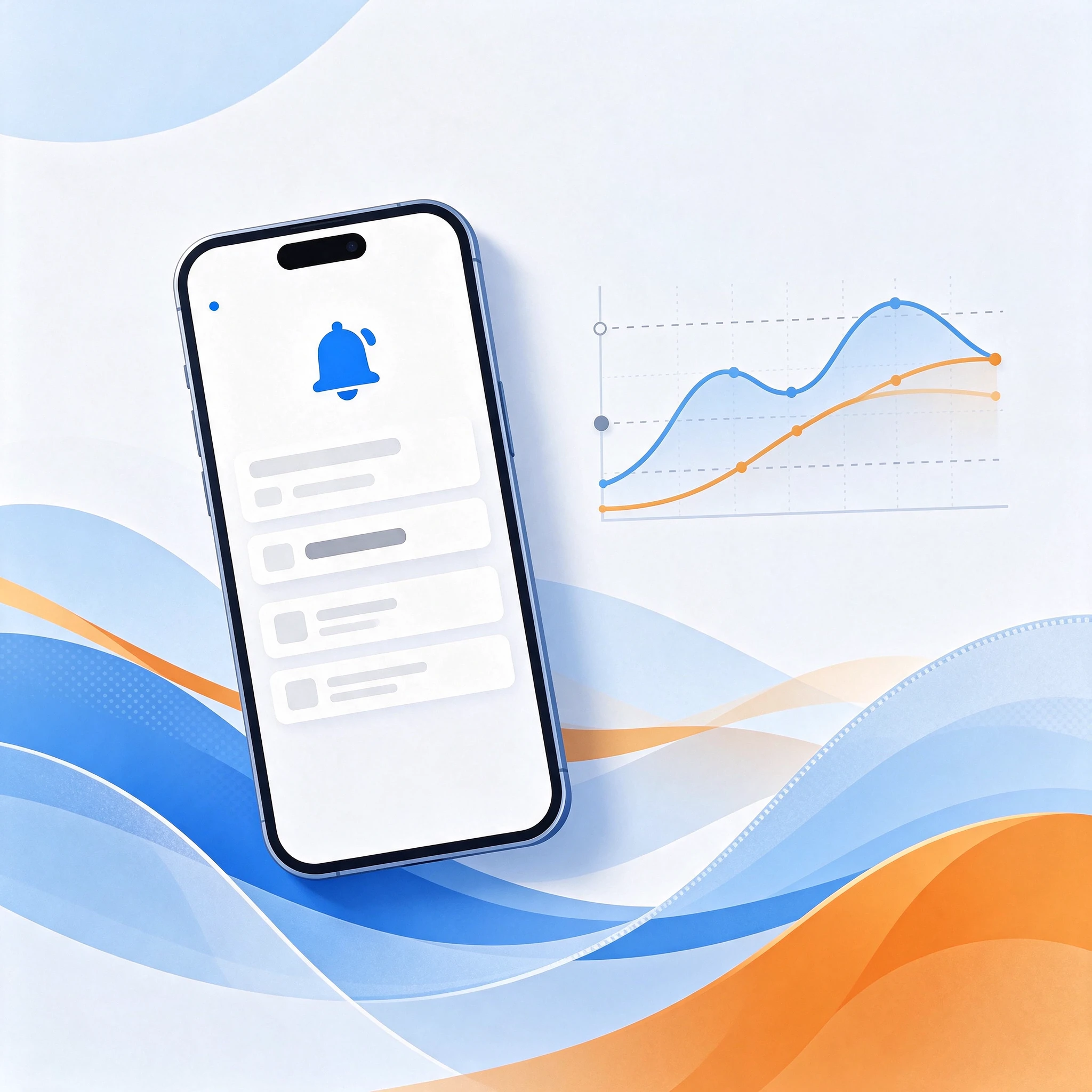
- Find the alert option. It is often a bell icon or an item in the chart menu.
- Choose the condition, for example price crossing above or below a number.
- Enter the level, taken from your chart notes and not from a guess.
- Choose how you want to be notified. Push notifications are the fastest, and email is a useful backup.
- Give the alert a name or note if the app allows it, such as entry or invalidation.
- Check that notifications are allowed for the app on your phone.
What to do when an alert fires
An alert is a reminder to look, not an instruction to trade. Open the chart, read your plan, and check the spread and the price you would actually get. If you decide to trade, a limit order gives you control over the price (see How to Place Your First Limit Order Step by Step).
Common pitfalls
- Different price types. An alert may use the last traded price while a stop or liquidation uses the mark price, so they can trigger at slightly different moments (see Mark Price, Index Price and Last Price on Futures Exchanges).
- Too many alerts. If you get ten a day, you will start ignoring them. Keep a few per asset.
- Old alerts. Delete the ones that no longer match your plan.
- Alerts are not protection. An alert does not close a position. If you cannot react in time, use an actual stop order.
Fewer, better-planned trades also mean fewer fees. If you register a new account through our referral link, part of the trading fees you do pay comes back as cashback.
This article is educational and is not investment advice. Crypto assets carry a high risk of loss.
Get part of your trading fees back
Open the Telegram bot, link your exchange account and follow your cashback balance.